Cable Registry

While at Tech Crew, you will come across a lot of different types of cables. This page should help you identify them!

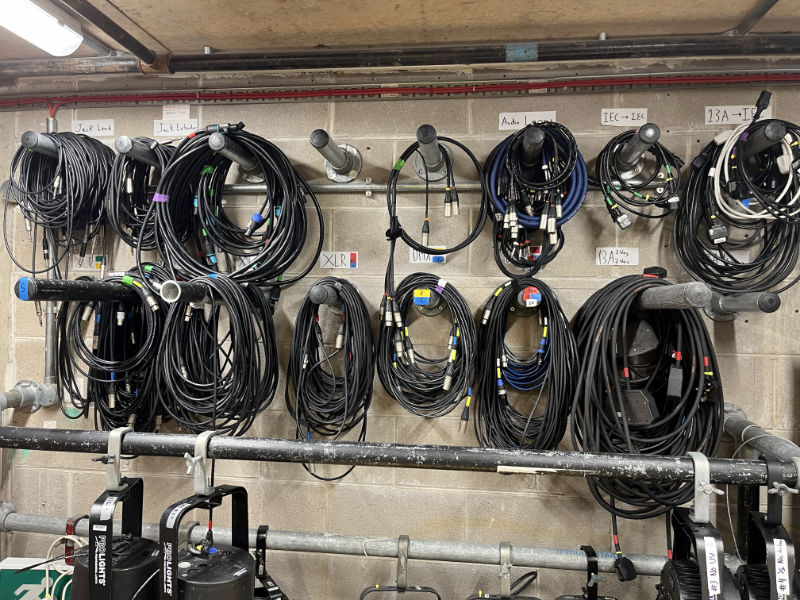
Most Tech Crew cables are stored in the DC Cupboard, on the cable wall. Some smaller or less commonly-used cables may be stored in drawers or storage crates in the cupboard.

DC cupboard cable wall

The DC cupboard cable wall.

Cable Connectors

Each cable has a different connector type, which is used to connect the cable to a piece of equipment. The table below shows the most common cable types used by Tech Crew, and their typical usage. This also includes some cables not owned by Tech Crew, but you may come across them when working on hires or shows at the Warwick Arts Centre.

Sound

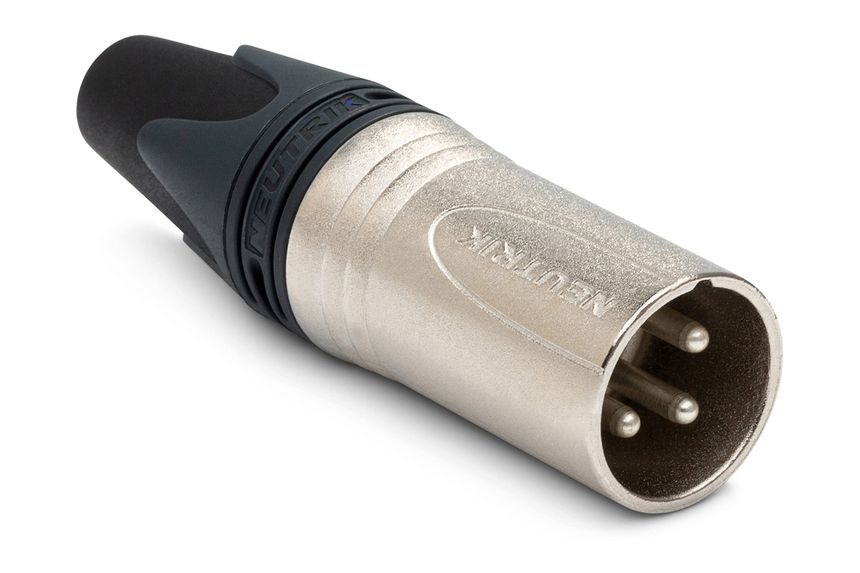
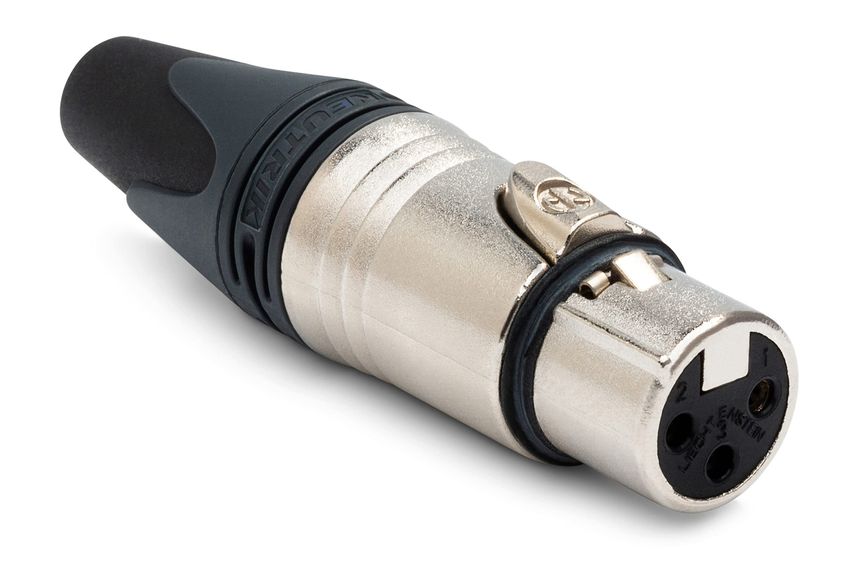
XLR

Storage LocationXLR cable bars
Identifiable Features
  • 3 pins
  • Circular connector
Typical Usage
  • Transmitting audio signals
  • Connecting microphones
  • Connecting speakers
  • Connecting sound desks

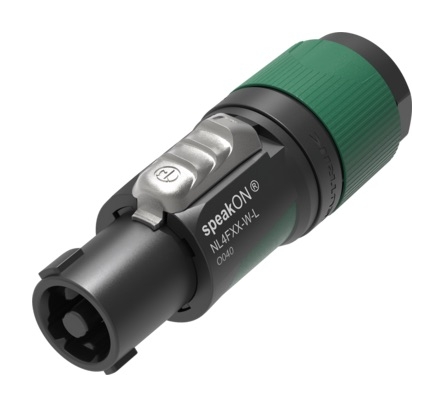
speakON

Storage LocationspeakON Storage Crate
Identifiable Features
  • speakON written on the side
  • Two opposing notches on the connector
Typical Usage
  • Transmitting audio signals and power to speakers

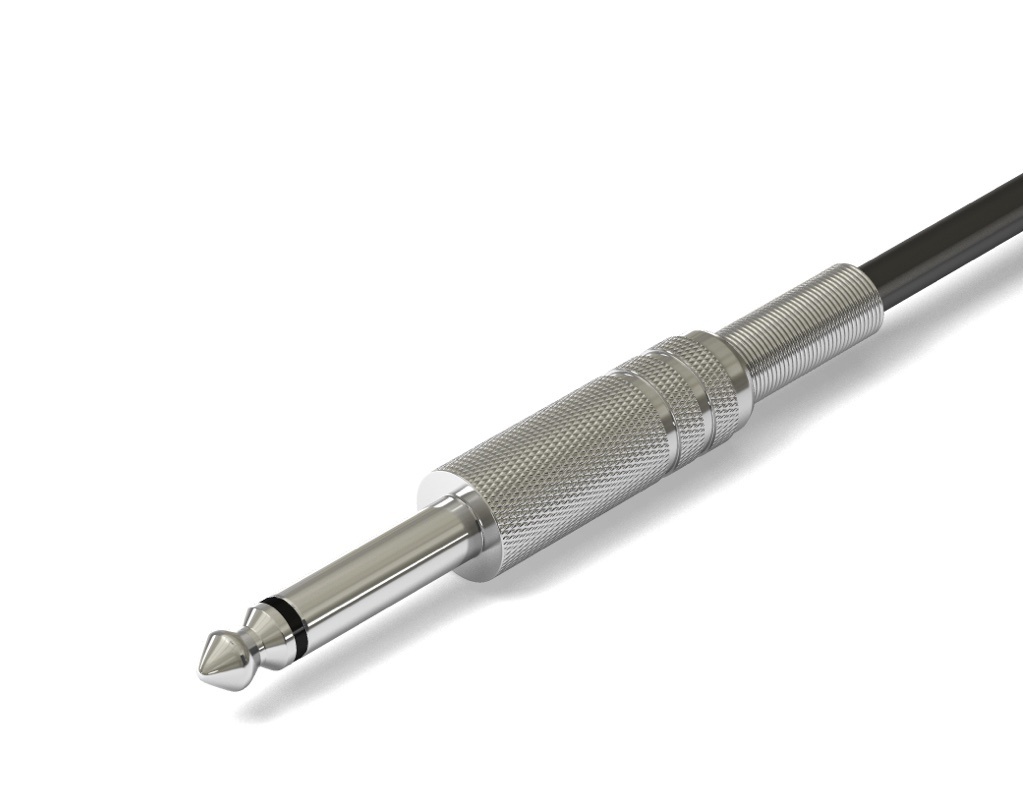
1/4 Inch Jack

Storage LocationJack Cable Bar
Identifiable Features
  • 6.35mm (1/4 inch) diameter
Typical Usage
  • Transmitting audio signals
  • Connecting instruments
Notes
  • There are two main types of jack: TS (tip-sleeve) and TRS (tip-ring-sleeve)
  • TS jacks transmit mono audio
  • TRS jacks can transit either stereo or balanced mono audio

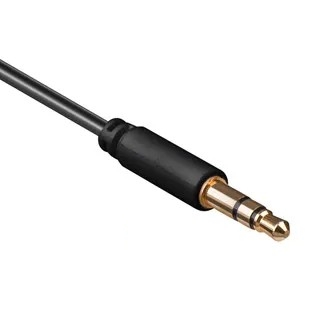
3.5mm Jack (Headphone Jack)

Storage LocationSound adapters drawer
Identifiable Features
  • 3.5mm (1/8 inch) diameter
Typical Usage
  • Transmitting audio signals
  • Connecting computer sound outputs to speakers
  • Connecting radio mic headsets and lapel mics to transmitters
Notes
  • See 1/4 Inch Jack for more information on TS and TRS jacks.
  • Some 3.5mm jacks are locking, notably ones on radio mic headsets, and have a ring which can be screwed to lock the jack in place

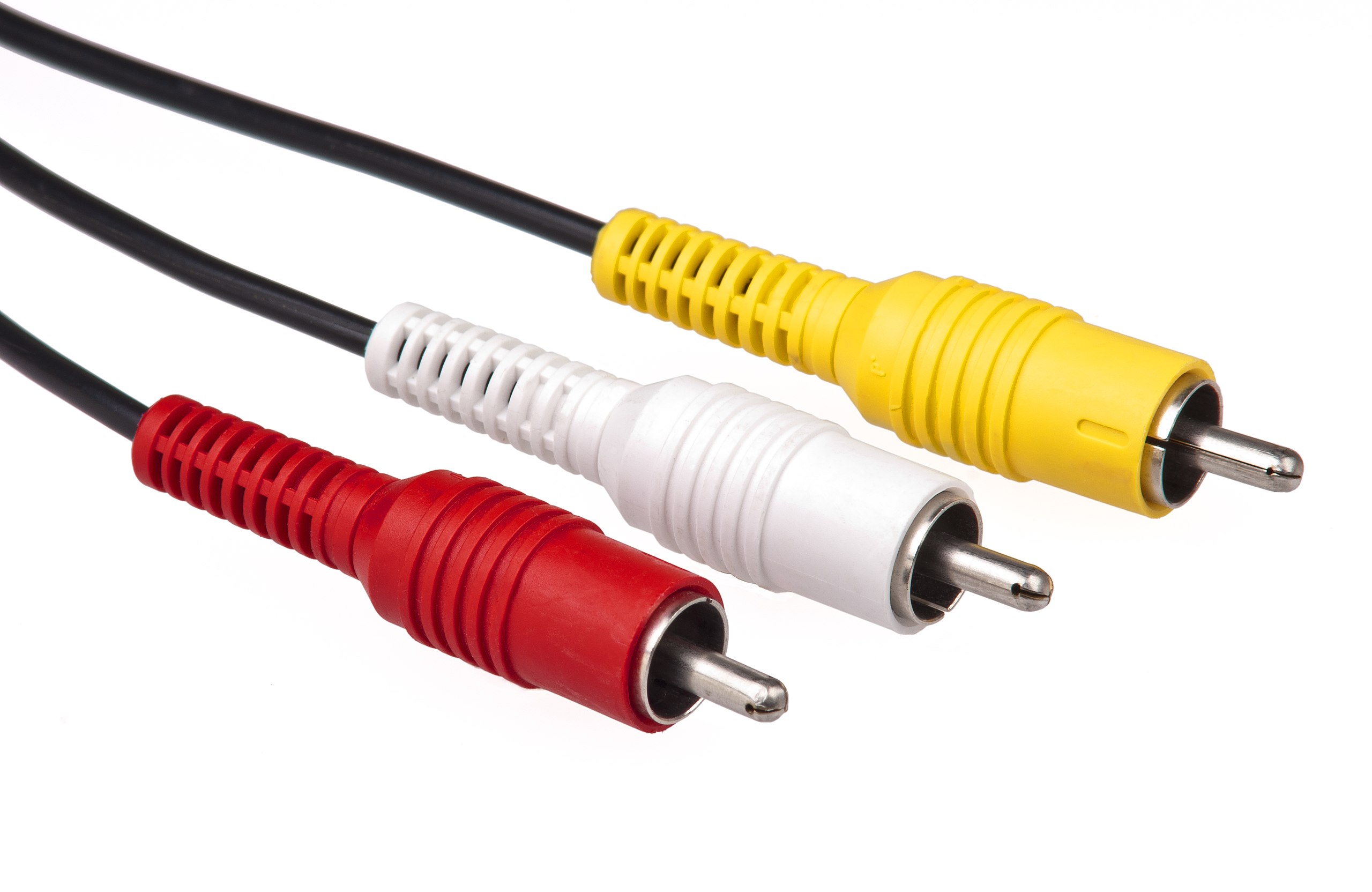
RCA (Phono)

Storage LocationSound adapters drawer
Identifiable Features
  • Red, white, and yellow connectors
  • Usually found in pairs (red and white for audio) or triplets (including yellow for video)
Typical Usage
  • Transmitting audio (or video) signals

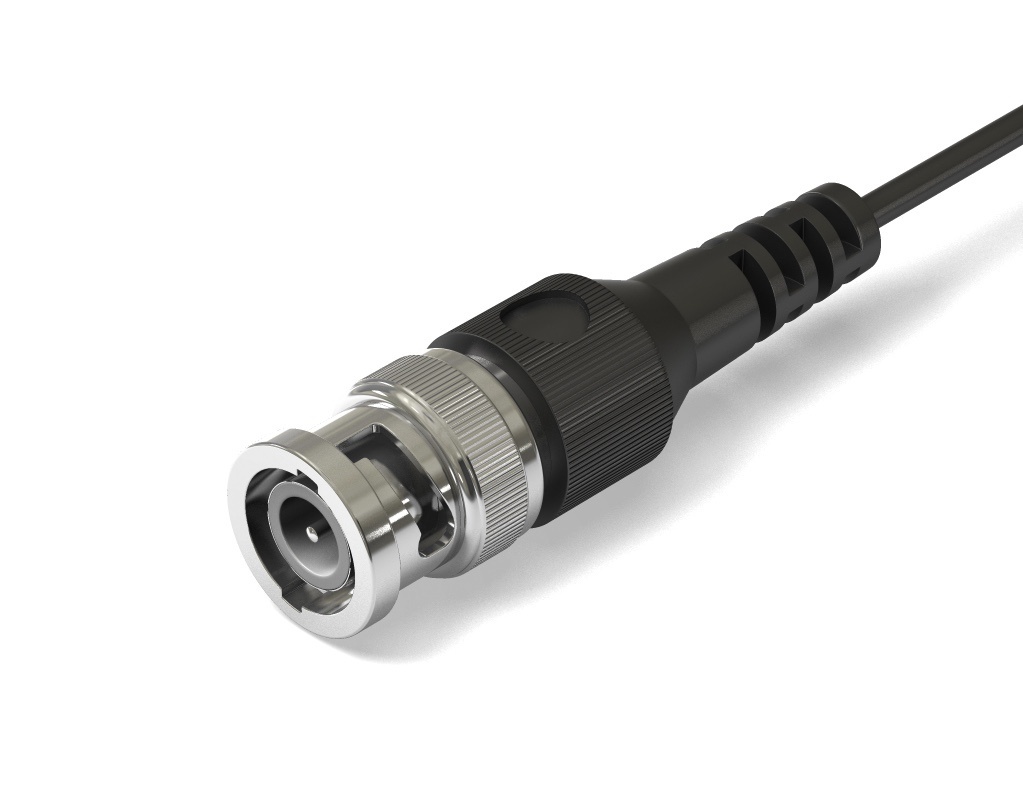
BNC (SDI/Antenna Cable)

Storage LocationAntenna Drawer
Identifiable Features
  • Circular connector
  • Bayonet-style (light bulb) locking mechanism
Typical Usage
  • Antenna connections on radio microphone receivers
  • Transmitting video signals over long distances (SDI)

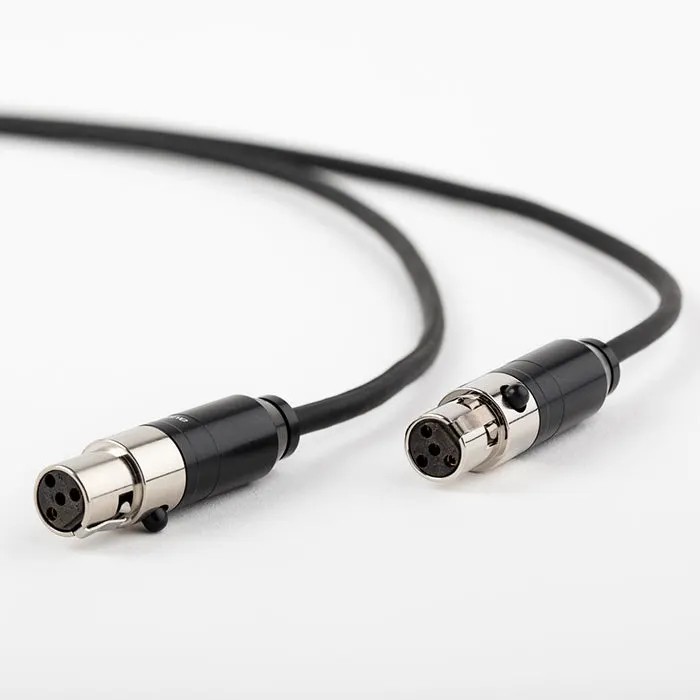
Mini XLR

Storage LocationRadio mic headsets
Identifiable Features
  • Three or four pins
  • Circular connector
Typical Usage
  • Connecting radio mic headsets to transmitters

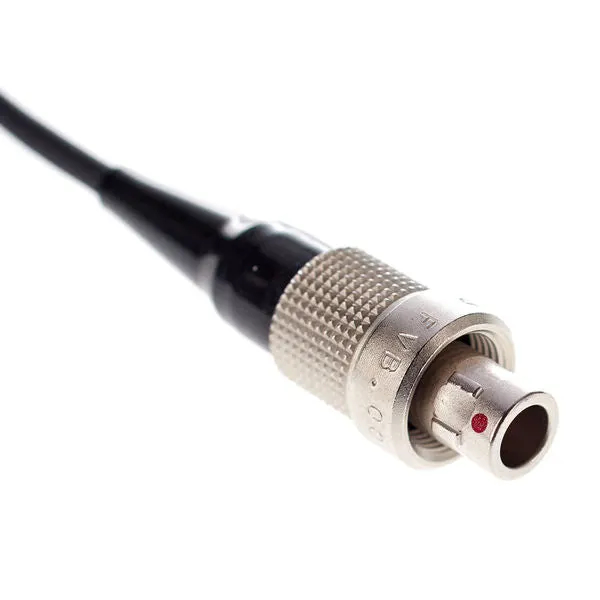
Lemo

Storage LocationRadio mic headsets
Identifiable Features
  • Two small prongs
  • Circular connector
Typical Usage
  • Connecting radio mic headsets and lapel mics to transmitters

Lighting

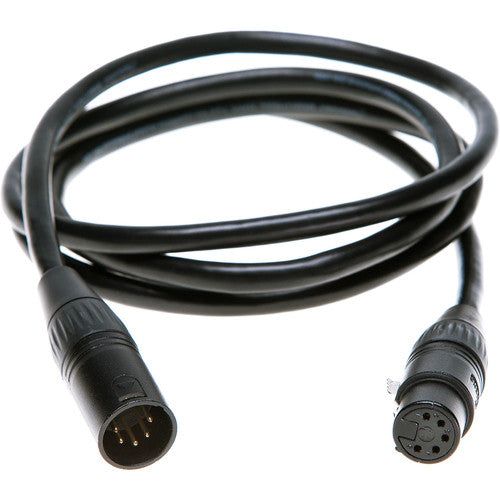
5-Pin DMX

Storage LocationDMX Cable Bars
Identifiable Features
  • 5 pins
  • Circular connector
Typical Usage
  • Transmitting lighting data

3-Pin DMX

Storage Location3-Pin DMX cable bar
Identifiable Features
  • 3 pins
  • Circular connector
Typical Usage
  • Transmitting lighting data (particularly for battens)
Notes
  • Looks identical to XLR cables used for sound, but stored separately to avoid confusion

Power

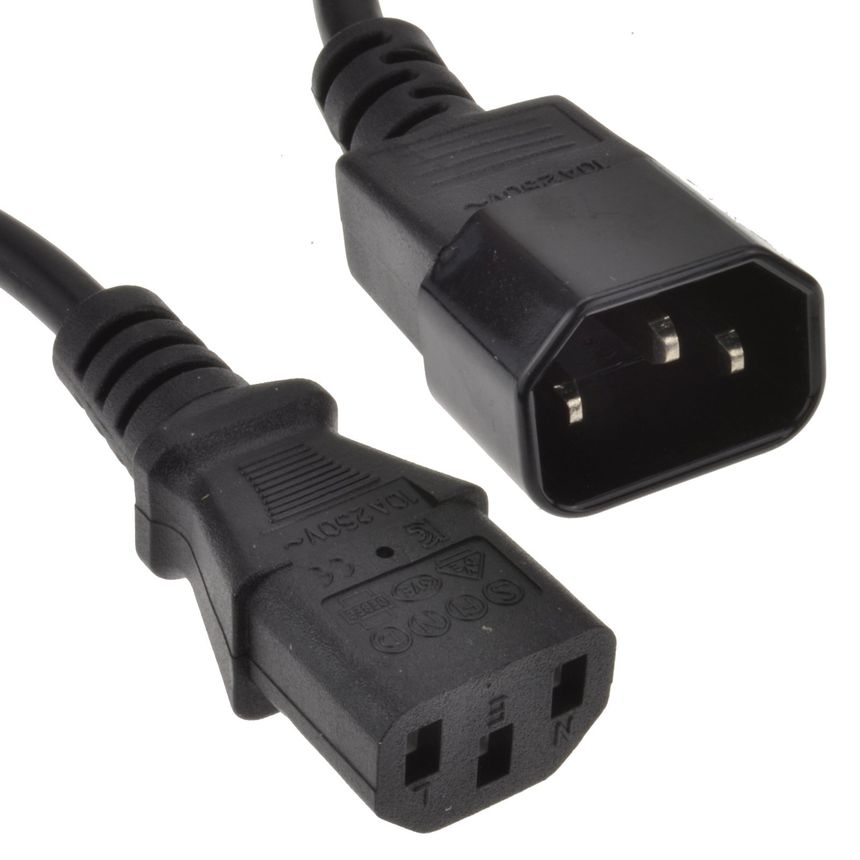
IEC

Storage LocationIEC Cable Bar
Identifiable Features
  • 3 pins
  • Rectangular connector
Typical Usage
  • Powering RGB battens
  • Powering computers

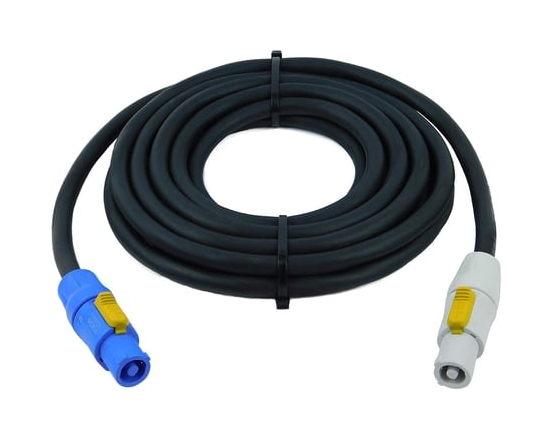
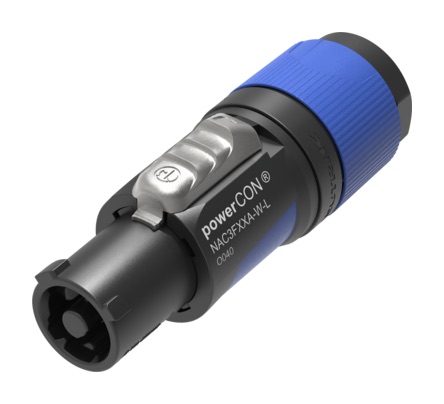
powerCON

Storage LocationpowerCON bars
Identifiable Features
  • powerCON written on the connector
  • Two notches at a 90 degree angle
  • Blue/black and white colour scheme
Typical Usage
  • Powering intelligent lighting fixtures

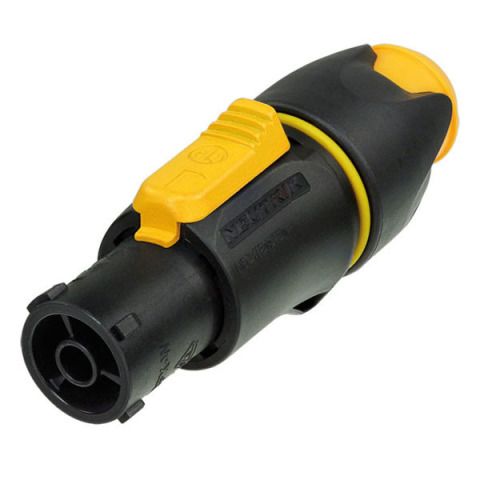
powerCON TRUE1 (TrueCON)

Storage LocationInside lighting desk flight cases and in the power adapters crate
Identifiable Features
  • Three notches on the connector
  • Yellow and black colour scheme
Typical Usage
  • Powering the FLX and MQ50 lighting desks

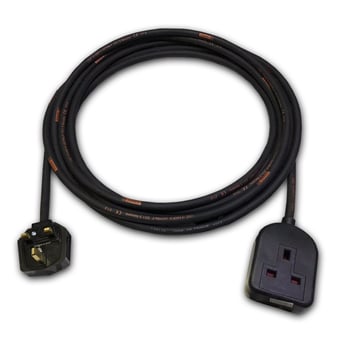
13A

Storage Location13A Cable Bars
Identifiable Features
  • Standard UK mains plug
Typical Usage
  • Receiving power from UK mains outlets

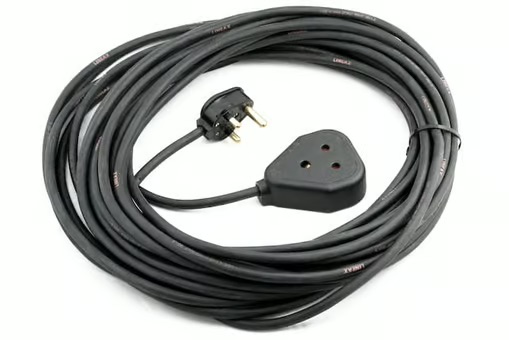
15A

Storage Location15A Cable Bars
Identifiable Features
  • 3 circular pins
  • Similar pin layout to a 13A plug
Typical Usage
  • Powering Tech Crew generic fixtures

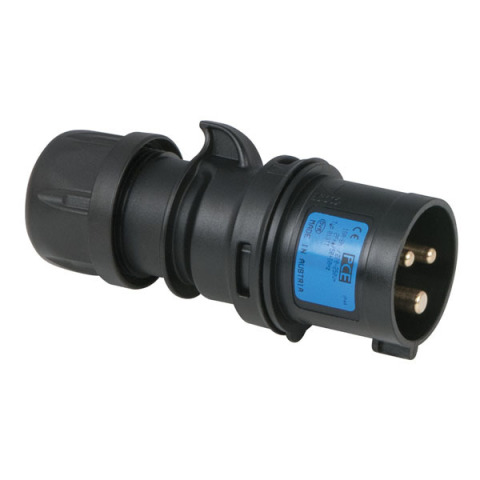
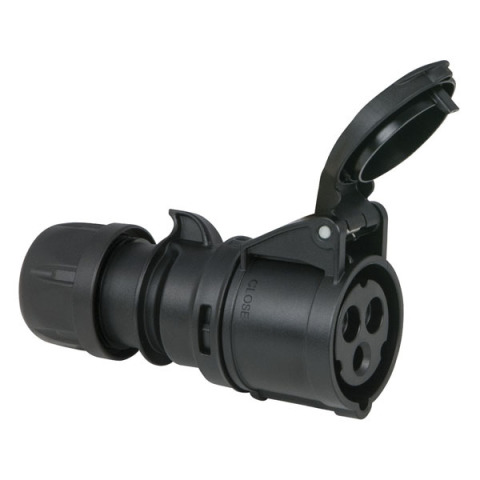
16A

Storage LocationSteve (flight case)
Identifiable Features
  • 3 circular pins
  • Cover over the pins
Typical Usage
  • Receiving power from 16A outlets (used in the Warwick Arts Centre)
  • Supplying power to Warwick Arts Centre generic fixtures

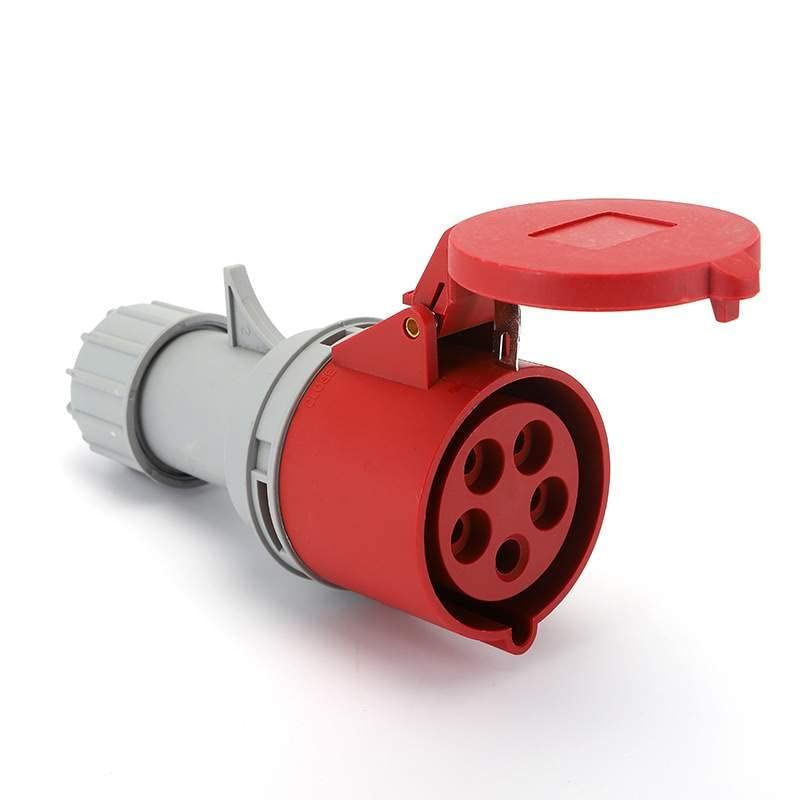
32A 3-Phase

Storage LocationWith the rack 6 dimmer
Identifiable Features
  • 5 circular pins
  • Cover over the pins
Typical Usage
  • Receiving power from 32A 3-phase outlets (used by the rack 6 dimmer)

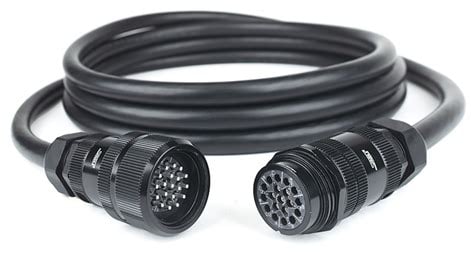
Socapex

Storage LocationSteve (flight case)
Identifiable Features
  • Big
Typical Usage
  • Receiving power from Socapex outlets (used in the Warwick Arts Centre)
  • Transmitting dimmed power from the Zero88 Rack 6 dimmer

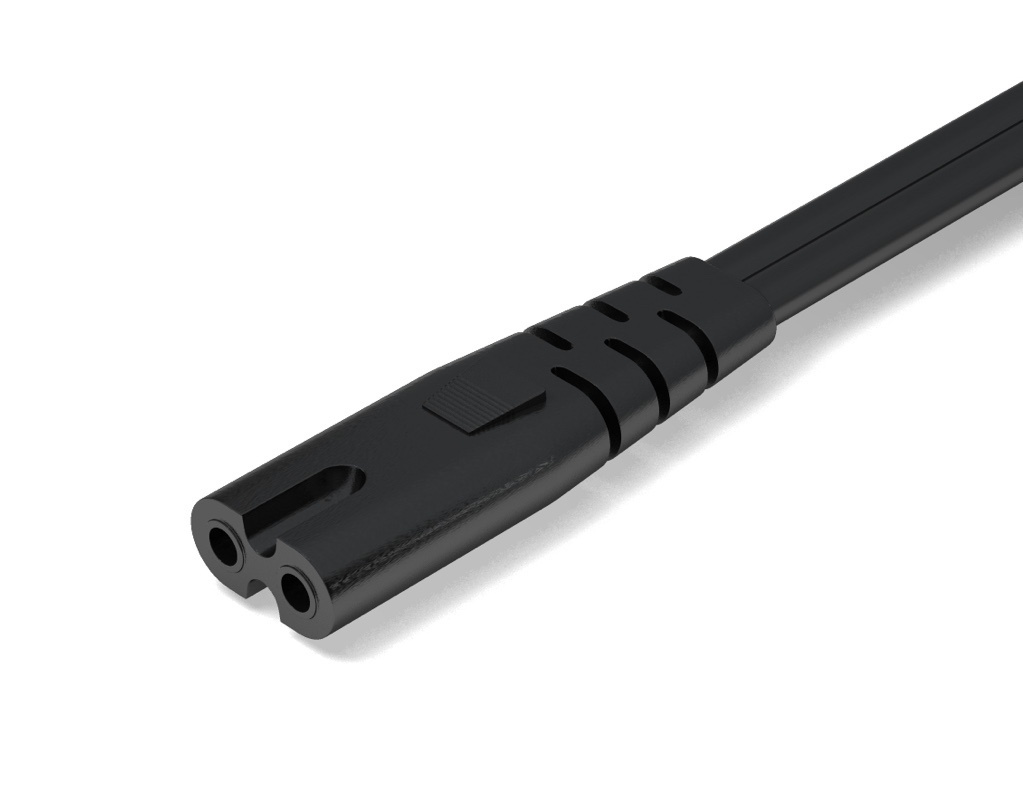
Figure 8 (IEC 320 C7)

Storage LocationWith the multi-port USB power adapter
Identifiable Features
  • Figure 8 shape
  • 2 pins
Typical Usage
  • Powering the multi-port USB power adapter
  • Powering PTZ cameras from AV services

Networking

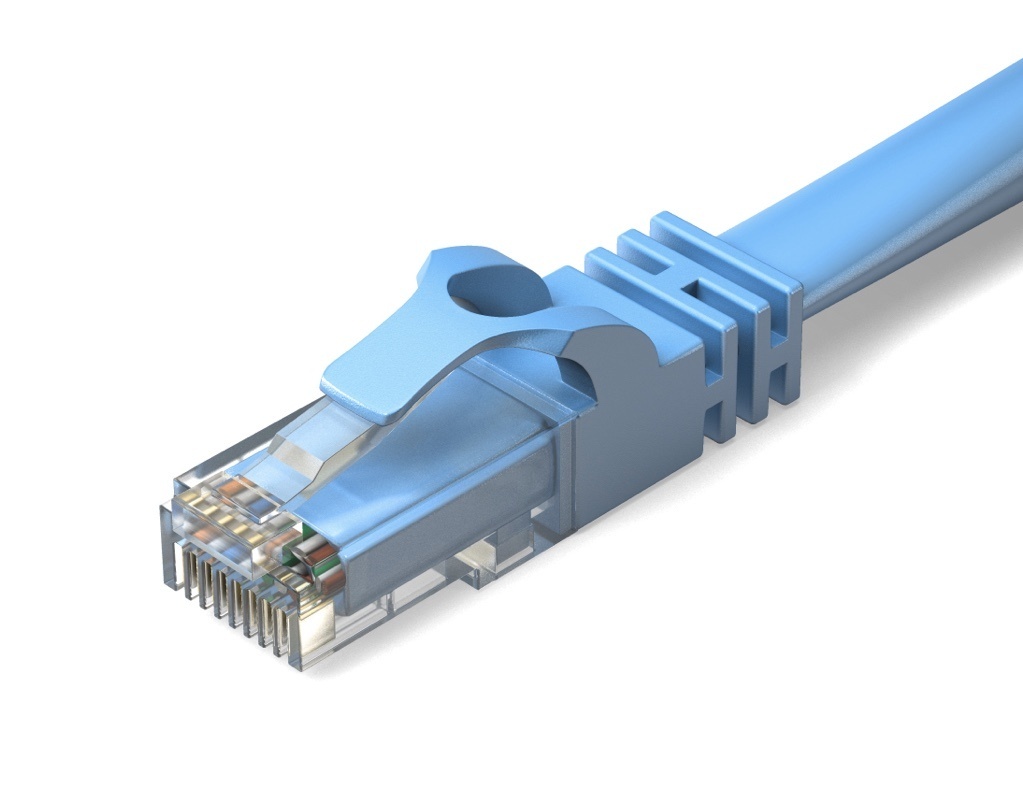
Ethernet (RJ45)

Storage LocationEthernet Cable Bar
Identifiable Features
  • Rectangular connector
  • Locking clip
Typical Usage
  • Transmitting data across networks

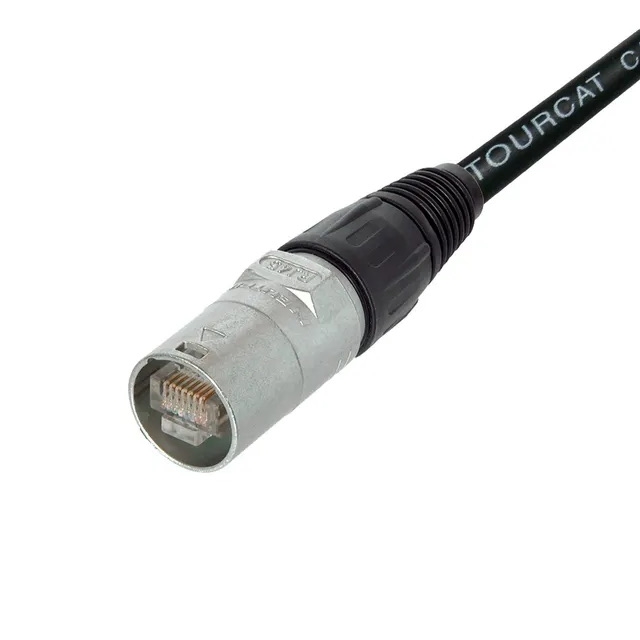
etherCON

Storage LocationEthernet Cable Bar
Identifiable Features
  • Circular connector
  • Ethernet (RJ45) connector inside
Typical Usage
  • Connecting the audio rack to the SQ-5 mixer
  • Connecting lighting desks to nodes for sACN/Art-Net control
Notes
  • Functions the same way as an RJ45 connector, but is more robust
  • An etherCON barrel can be used to join an RJ45 cable to an etherCON cable for long runs

Video

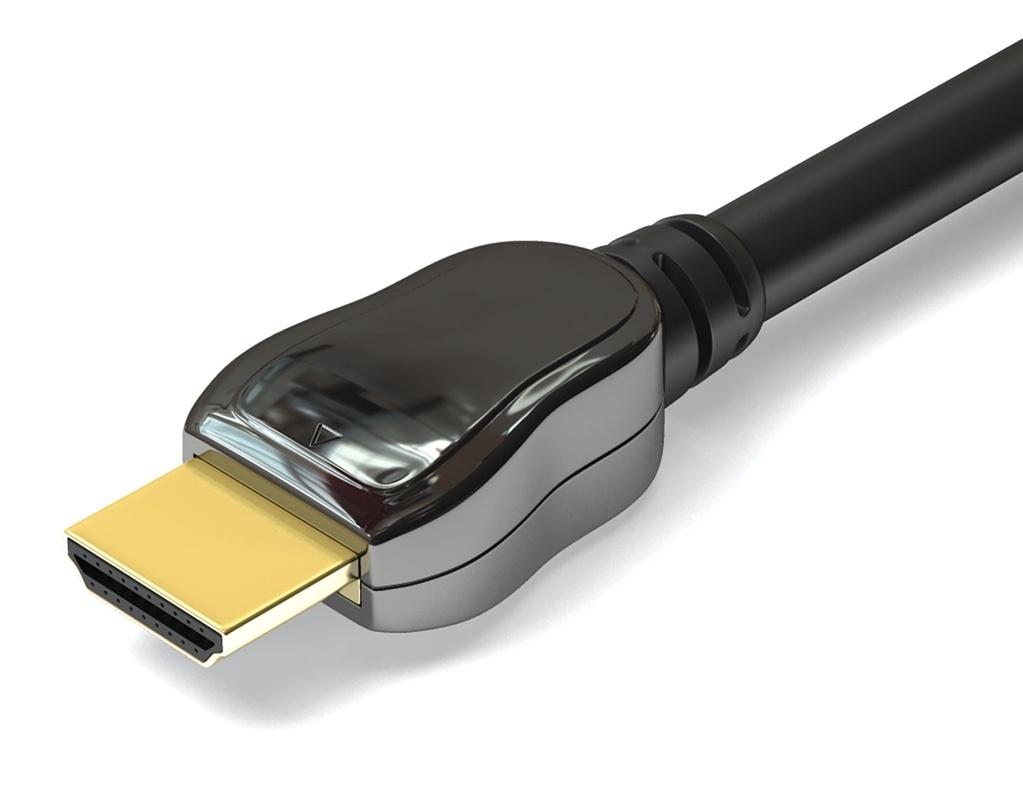
HDMI

Storage LocationVideo Drawer/UWCS Tech Cupboard (ask UWCS tech officers for access)
Identifiable Features
  • Trapezoidal connector
Typical Usage
  • Transmitting video signals
  • Connecting computers to monitors, projectors, and TVs

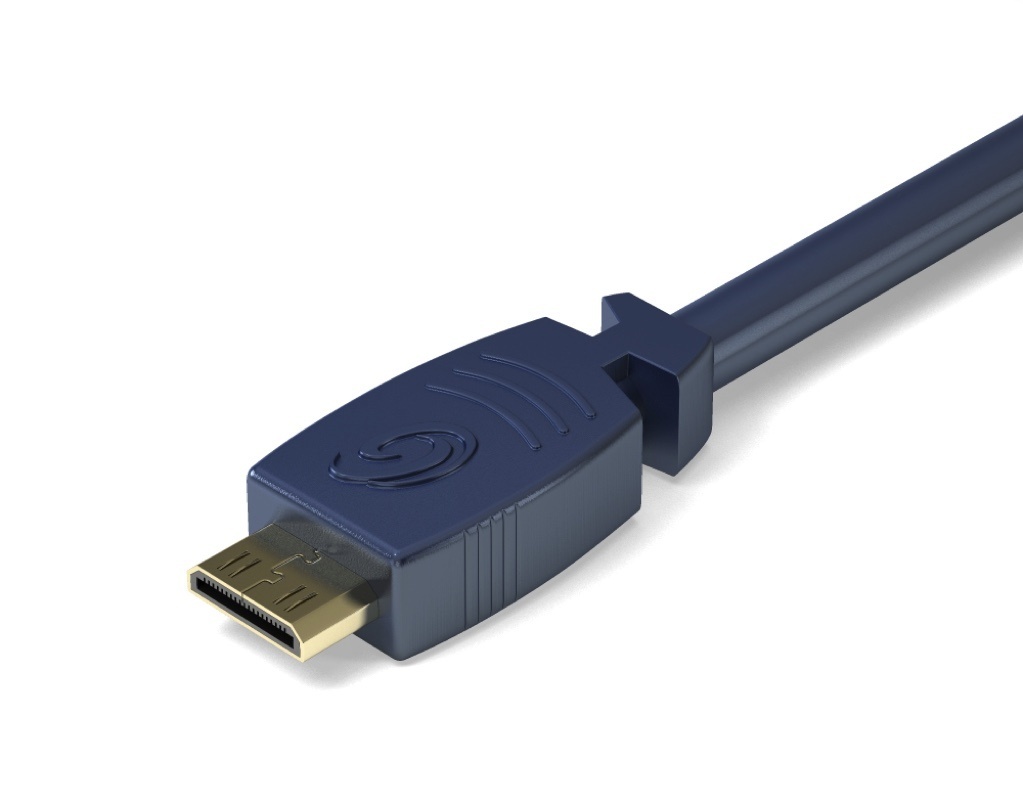
Mini HDMI

Storage LocationUWCS Tech Cupboard (ask UWCS tech officers for access)
Identifiable Features
  • Looks like a smaller HDMI connector
Typical Usage
  • Transmitting video signals
  • Connecting cameras to video switchers

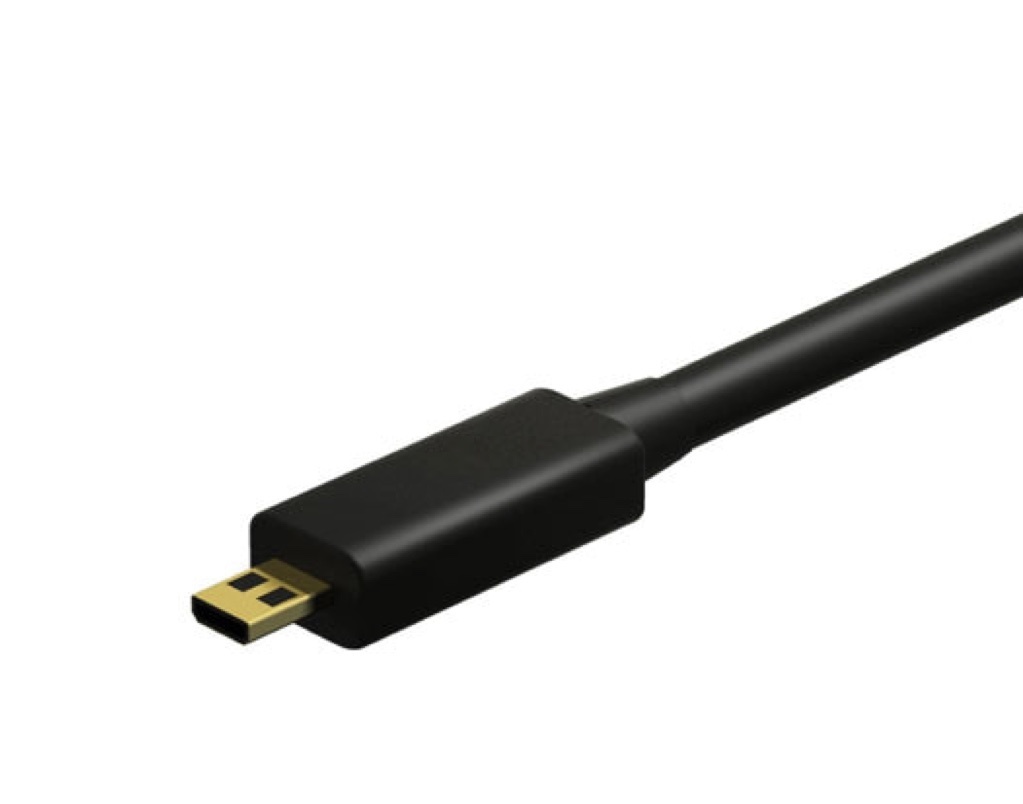
Micro HDMI

Storage LocationUWCS Tech Cupboard (ask UWCS tech officers for access)
Identifiable Features
  • Looks like a very small HDMI connector
Typical Usage
  • Transmitting video signals
  • Connecting cameras to video switchers

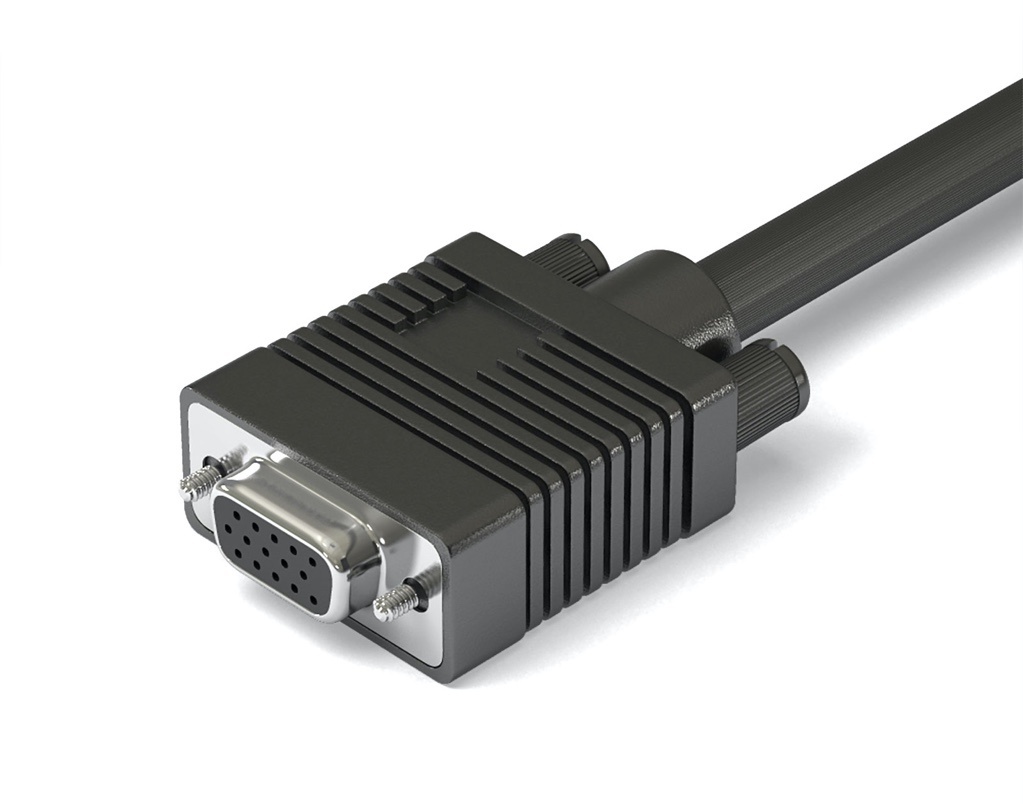
VGA

Storage LocationVideo Drawer
Identifiable Features
  • Screws on the side
  • Rounded trapezoidal connector
Typical Usage
  • Transmitting video signals
  • Connecting computers to projectors

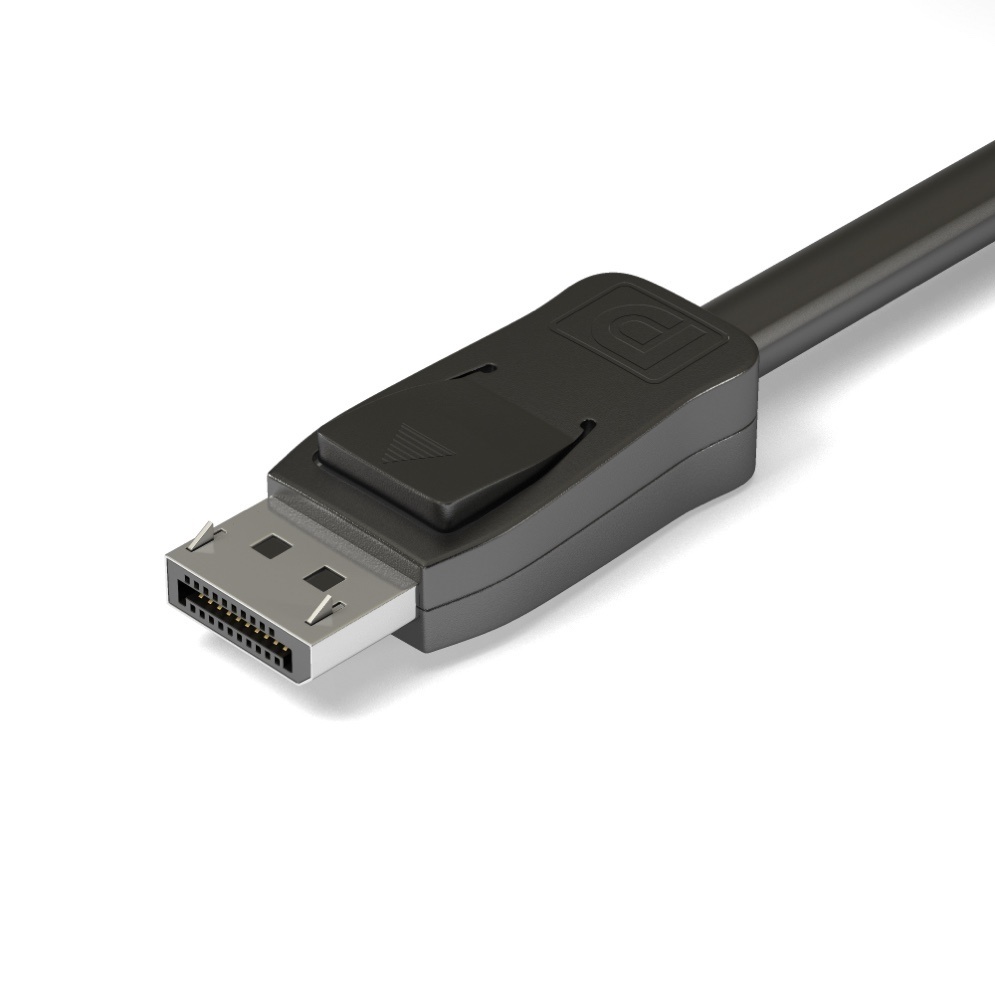
Display Port

Storage LocationUWCS Tech Cupboard (ask UWCS tech officers for access)
Identifiable Features
  • Rectangular connector with a notch
  • Locking clip
Typical Usage
  • Transmitting video signals
  • Connecting computers to projectors

Computer

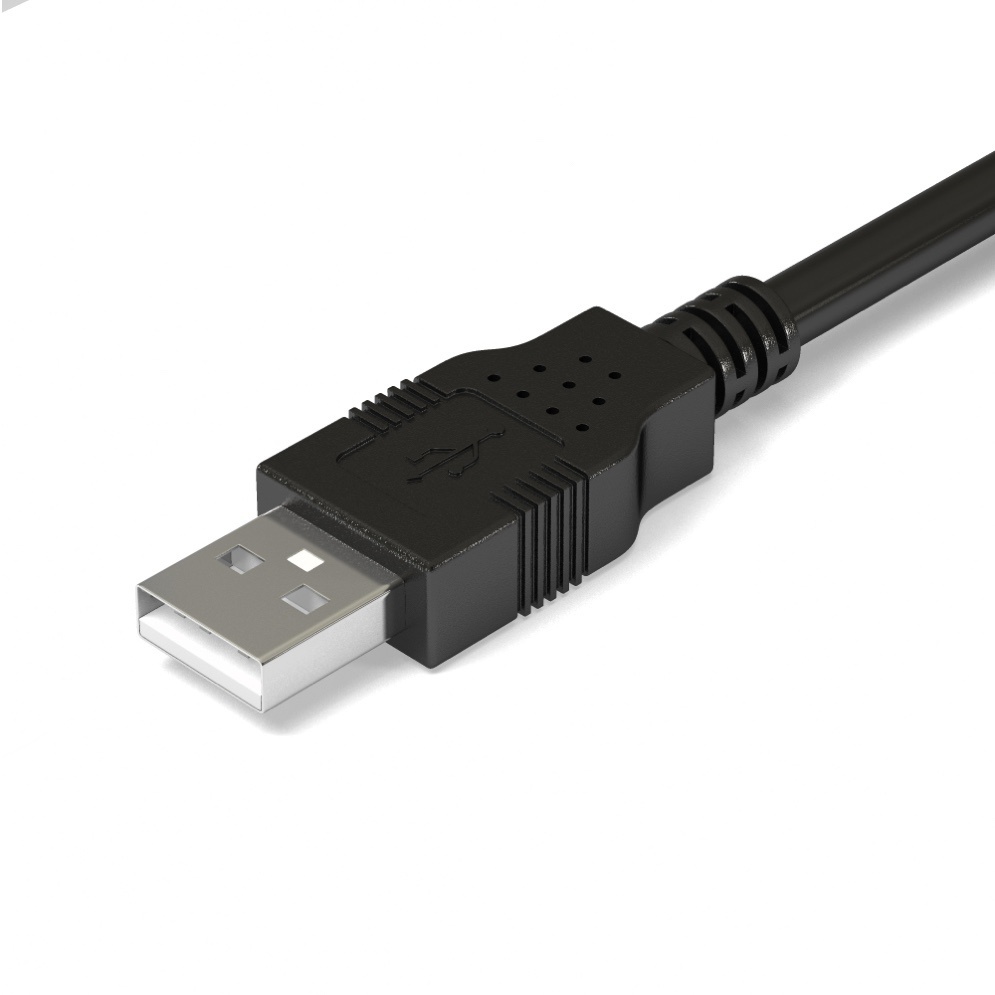
USB-A

Storage LocationComputer Drawer
Identifiable Features
  • Rectangular connector
  • 4 pins
Typical Usage
  • Transmitting data
  • Connecting computers to peripherals

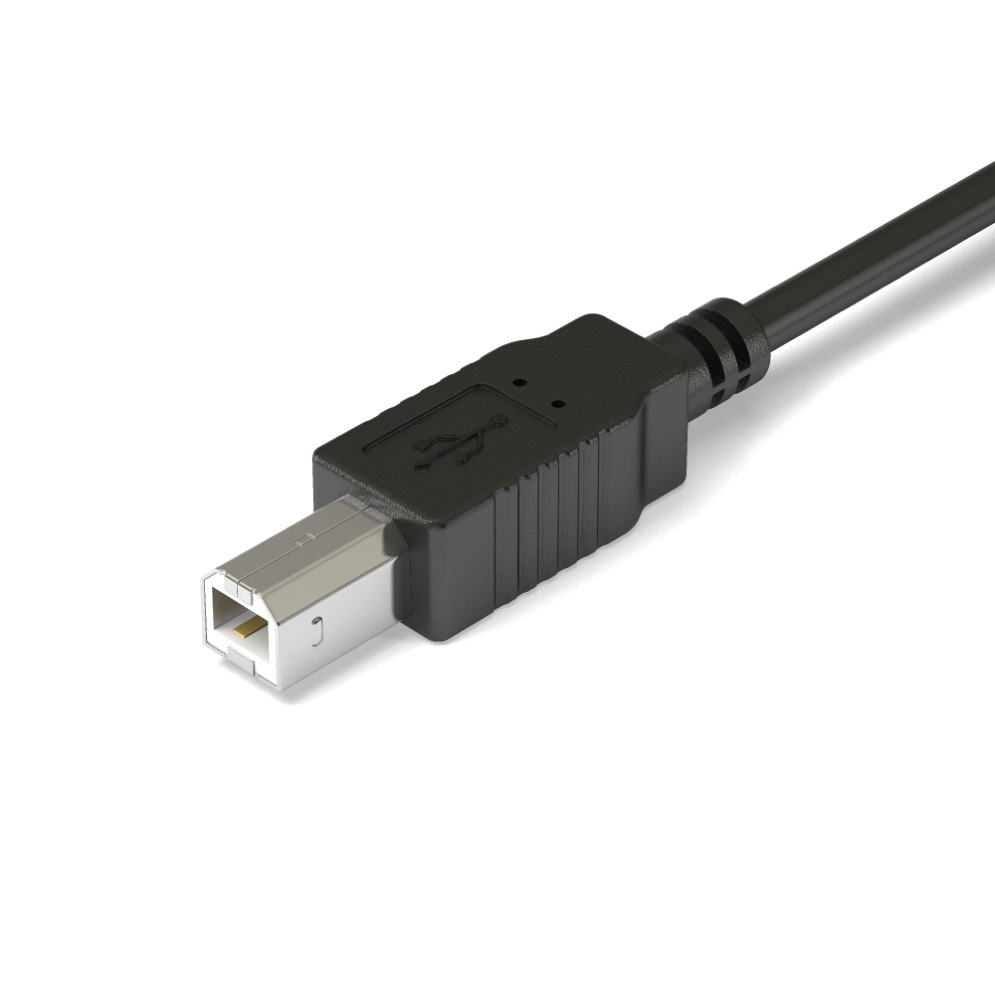
USB-B

Storage LocationComputer Drawer
Identifiable Features
  • Square connector
Typical Usage
  • Transmitting data
  • Connecting computers to the ETC Gadget II
  • Connecting computers to touch-screen monitors

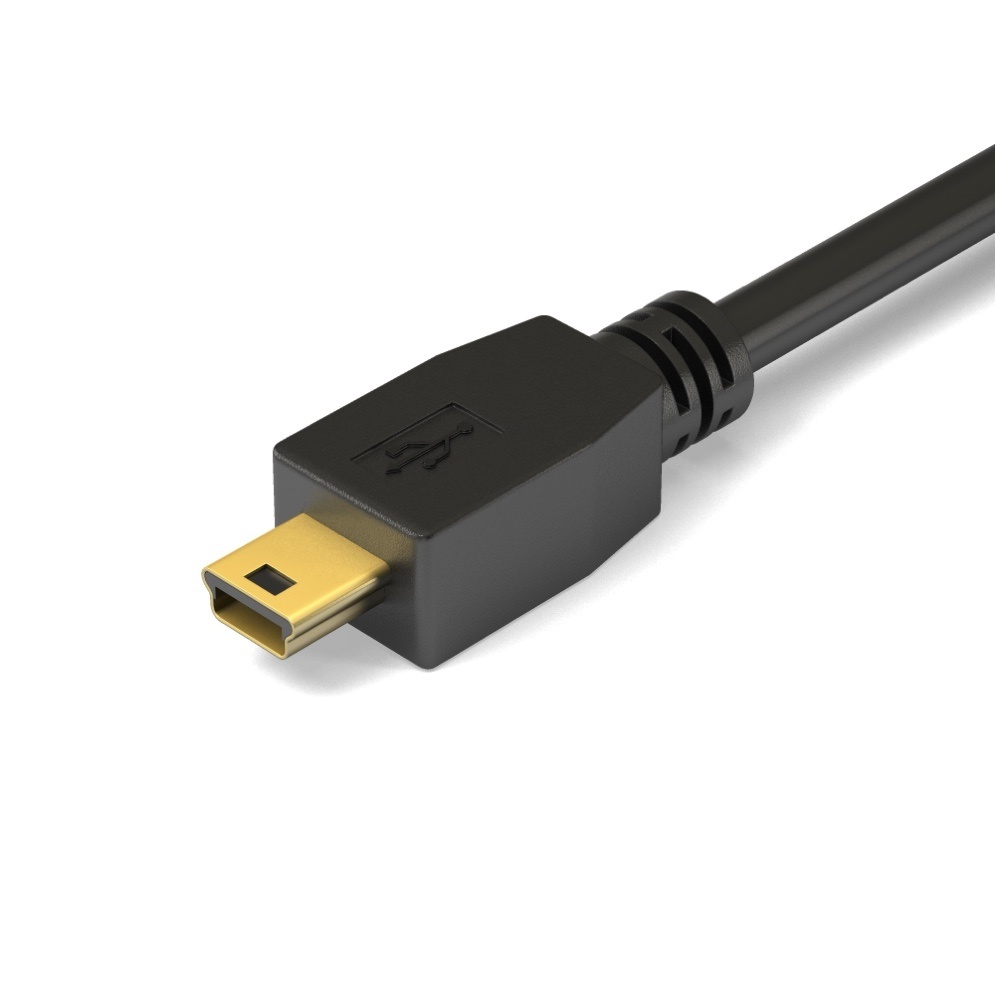
USB Mini B

Storage LocationComputer Drawer
Identifiable Features
  • Trapezoidal connector
  • Rectangular hole on the top

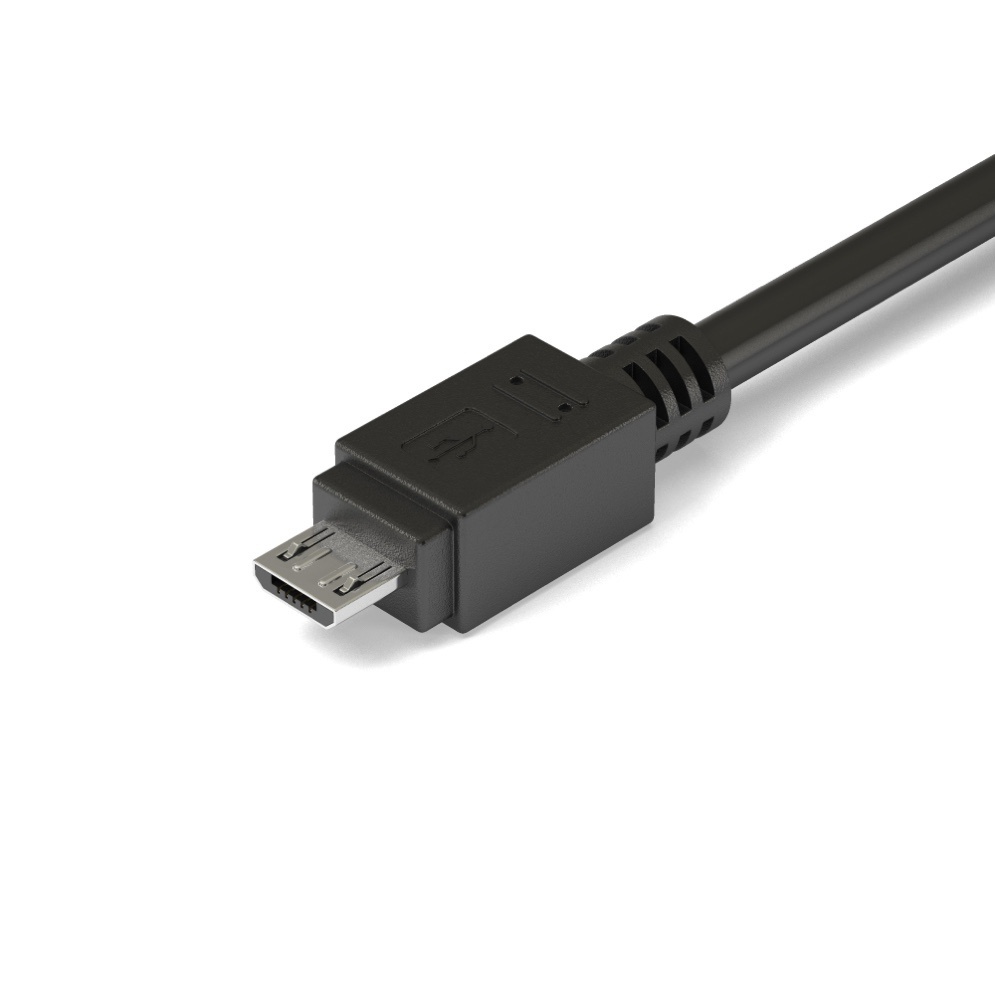
USB Micro B

Storage LocationComputer Drawer
Identifiable Features
  • Trapezoidal connector
  • Two locking clips

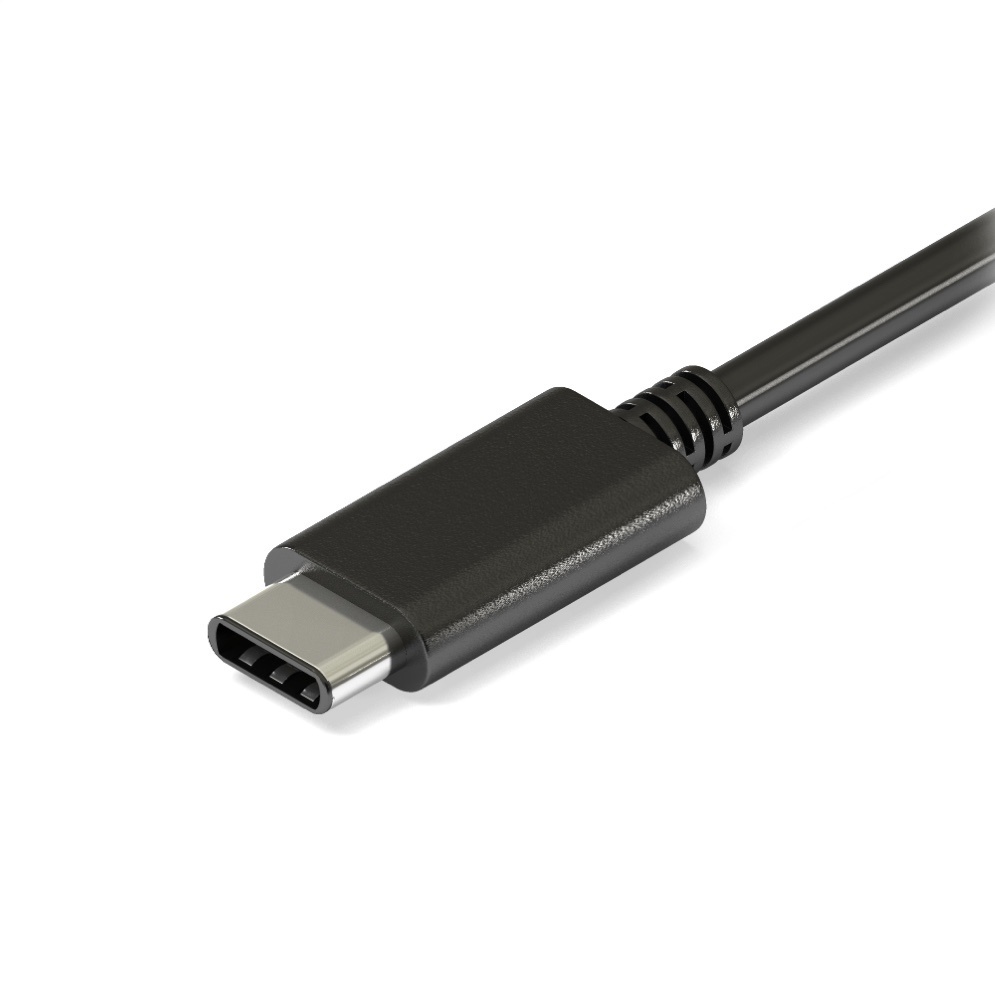
USB-C

Storage LocationComputer Drawer
Identifiable Features
  • Bi-directional, oval connector
Typical Usage
  • Transmitting data and power
  • Charging the Tech Crew MacBooks and head torches

Lightning

Storage LocationComputer Drawer
Identifiable Features
  • White inset with gold pins
Typical Usage
  • Charging the Tech Crew iPad

Common Adapters

In addition to the cables listed above, Tech Crew also has a range of adapters. Adapters are referred to in the format of "source connector" to "destination connector". For example, powering a lighting fixture that requires a powerCON connector from a 13A outlet would require a "13A to powerCON" adapter.

Sound Adapters

Stored in the sound adapters drawer.

Lighting Adapters

Stored in the lighting drawer.

Power Adapters

Stored in the power adapters crate in the DC cupboard, with some exceptions for commonly used adapters.

Cable Lengths

Warwick Tech Crew label all TC cables with coloured tape to denote distance. The tape rings go on each end of the cable, just below the connector. We use the same colour scheme as the Warwick Arts Centre for simplicity.

LengthColor
<3mGreen
3mYellow
5mBlue
10mRed
15mBlue and Red
20mWhite

We measure cables after cleaning in maintenance. To do this, we tape down distance markers on the studio floor, and lay cables out one by one on this scale. The studio is 12m x 12m in size, so for 15m+ cables we go to the 10m mark and fold back down to 5m to get a measurement. The actual lengths don't always correspond to a tape colour exactly, so we round lengths down. This stops our cables from tricking people into thinking they're running a 10m, but then coming up a few meters short!

Cable Ownership

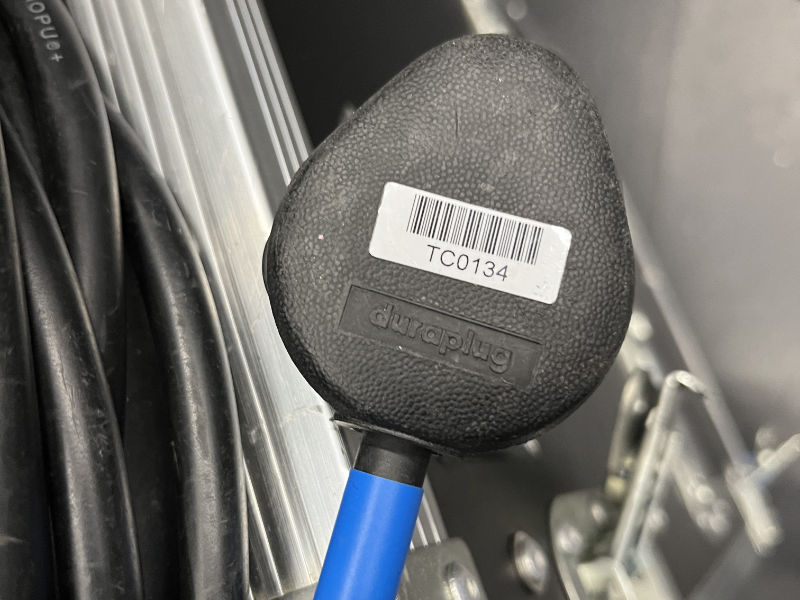
A Tech Crew Cable Asset Tag

A TC asset tag on one of our cables.

Warwick Tech Crew cable can often be identified through a Tech Crew asset tag (starting with TC), or from the coloured tape indicating the cable length.

When working in Warwick Arts Centre, it can be very difficult to identify what cable is Tech Crew's and what cable is the WAC's. In most cases, cables should have an asset tag from the relevant organisation. When working on shows, it is highly recommend to only use WAC cable where possible, apart from IEC power cables for Tech Crew equipment - this helps make it easier to sort cables after a get-out.

Lore

In Term 1 2024, the Equipment Manager (Ethan) made a custom 16A to hosepipe adapter for first place prize in The Big Fat Tech Crew Quiz.

16A to hosepipe adapter prize

16A to hosepipe adapter with winning team member Matt (right) and Equipment Manager Ethan (left).