Resources
Lighting Desks
We currently own 5 lighting "desks"! The FLX, MQ50, Jester, Bullfrog and ETC Nomad. This page also talks about the ETC Ion which is used in FAB, and other venues on campus.
This page is a work in progress
Zero 88 FLX Lighting Desk
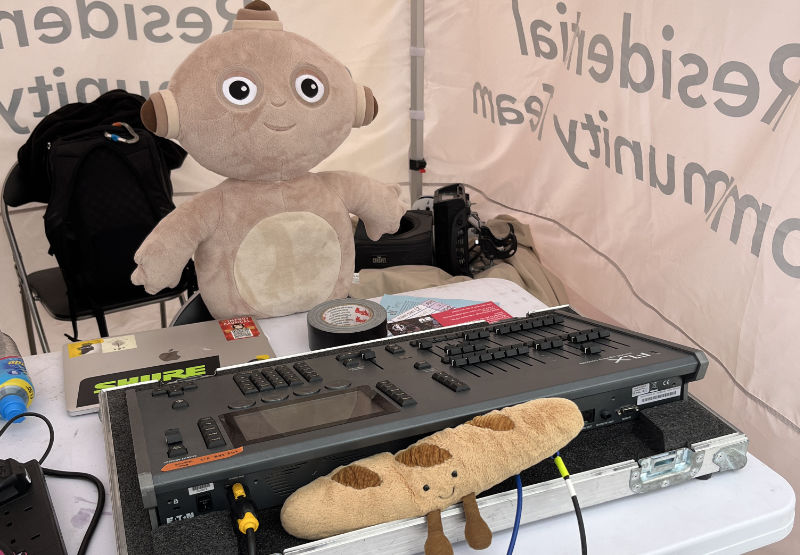
The Zero 88 FLX lighting desk is the main lighting console that we use in Tech Crew for hires. It runs the ZerOS operating system, whose manual can be found here.
Wireless Control
Similarly to the SQ5 sound desk, the FLX can be wirelessly controlled using a phone or the Tech Crew iPad using the Zero88 Remote or Monitor apps - this is particularly helpful when busking outside or when patching or diagnosing issues. To set this up, please follow the Networking Guide.
Frogger Game
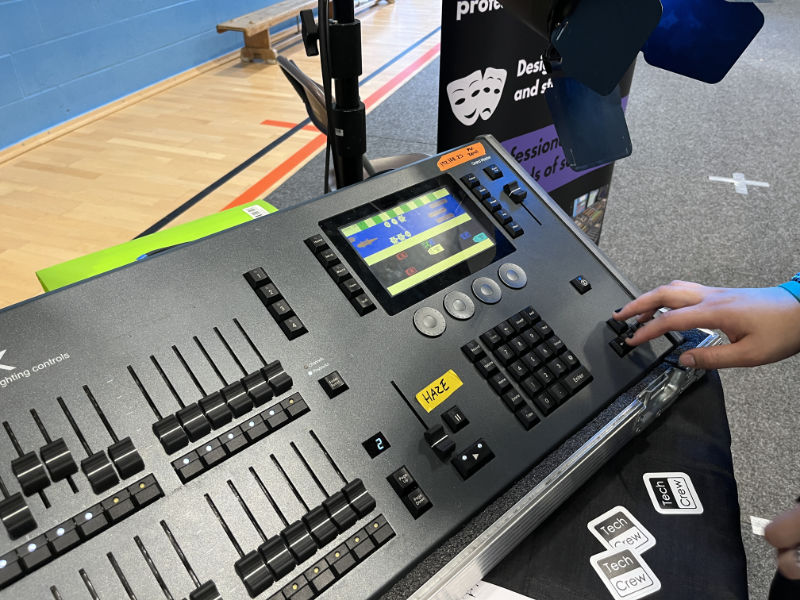
The FLX has a secret crossy-road-like game called Frogger which can be activated at any time. When the game is open, only the screen and arrow keys are used and the rest of the console (e.g. the keypad and faders) can be used as normal.
Starting Frogger
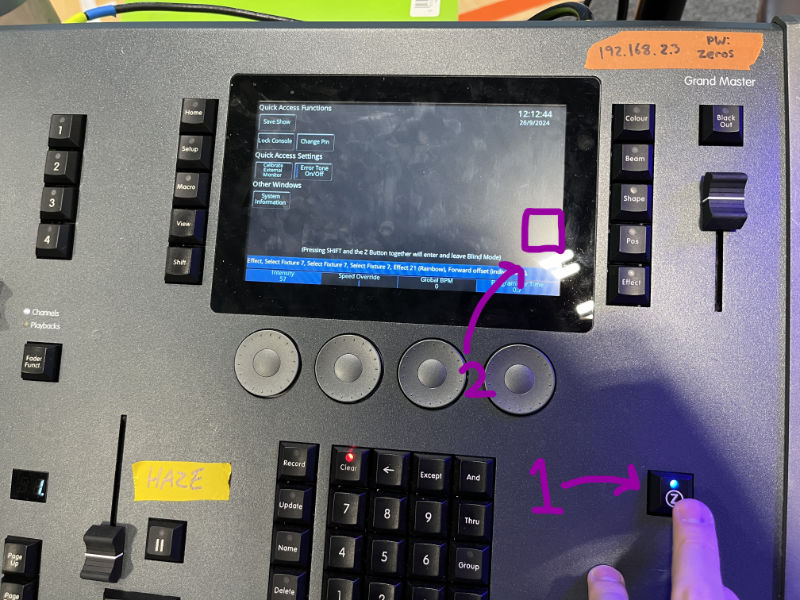
To start Frogger, first open the Z-menu by pressing the Z key (1). Then tap the right of the screen, just under the halfway point (2).
Frogger can be closed by tapping the Z key again.
MQ50
We are trying to sell it on ebay but no one wants to buy it
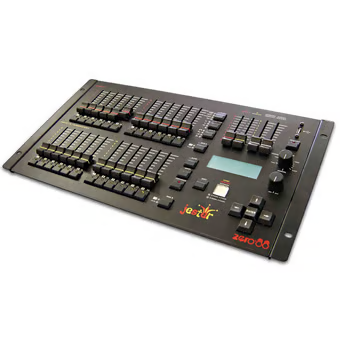
Jester
We very rarely use this
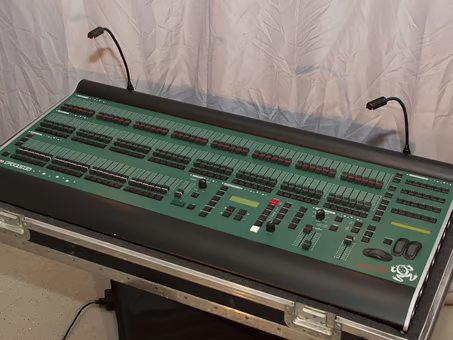
Bullfrog
We NEVER use this
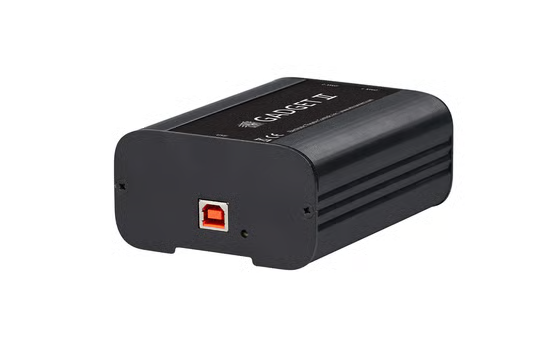
ETC Nomad & Gadget
The least desk-y of all the desks. You plug it into your computer and hope it works. This was used on Next To Normal!